
CyberQA - IT Management, Cybersecurity, Wi-Fi & Wired Networks, VoIP, Data Management, Surveillance, Access Control, Alarms, Multimedia, Smart Automation!
  • Services & Support
  • Deployment
  • About
      • Back
      • About Us
      • Certificates
      • Memberships
      • Google Reviews
      • Our Terms and Rates
      • Log-In
      • Blog
      • Impacting Communities
      • SMS Privacy Policy
      • SMS Terms
  • Hire an Expert
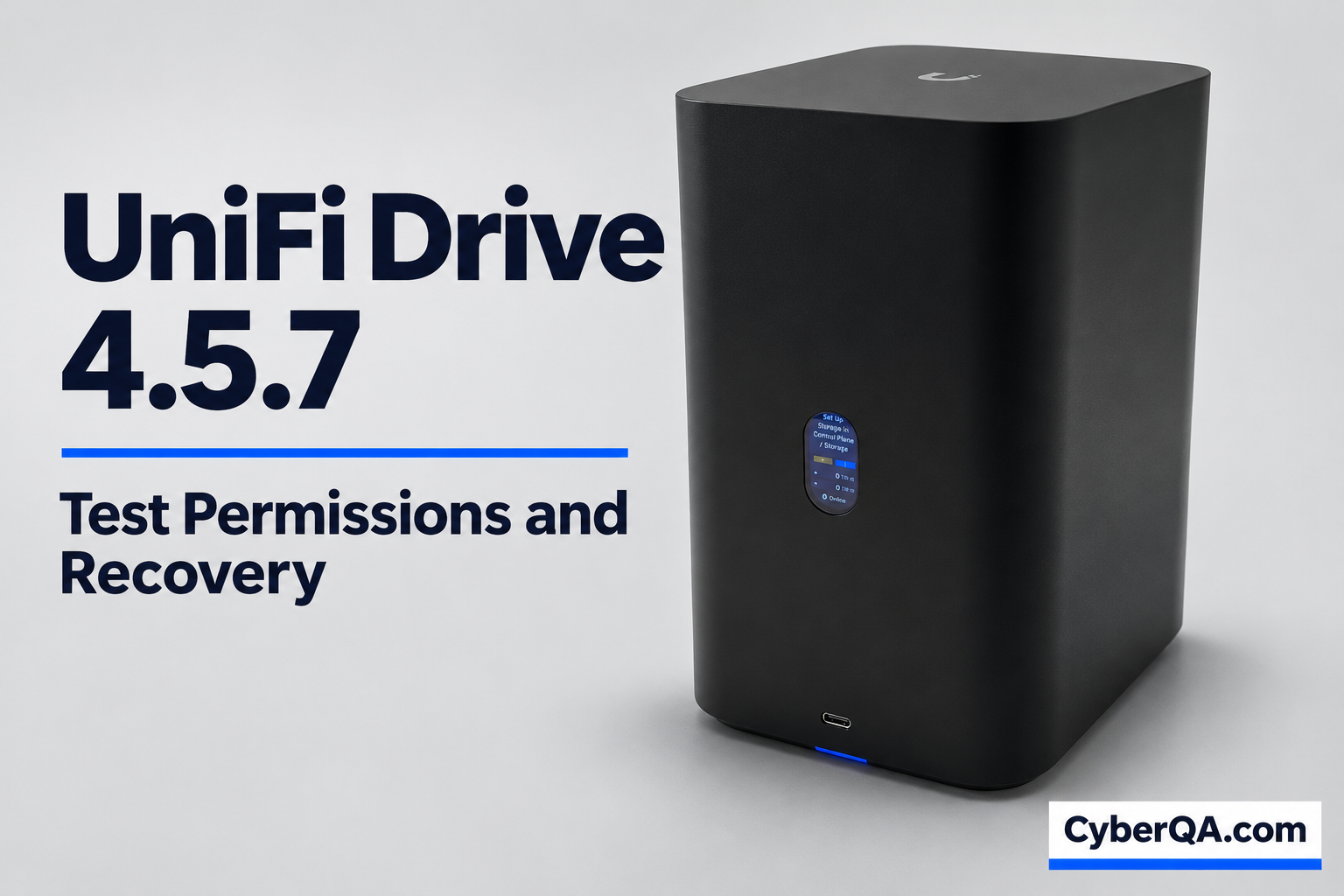
Black UniFi NAS beside the UniFi Drive 4.5.7 headline and Test Permissions and Recovery subtitle

UniFi Drive 4.5.7: Test Permissions and Recovery Before Rolling Out

Details
Created: 24 November 2026
Hits: 31

UniFi Drive 4.5.7 is now Official and requires UniFi OS 6.0.7 or newer. It adds Windows access controls for subfolders, write-once shared drives on ENAS, Microsoft 365 Exchange backup and SMB activity logs. Before changing a production share, test permissions on a small share and restore a test item.

Read more: UniFi Drive 4.5.7: Test Permissions and Recovery Before Rolling Out
Black-and-white network rack with Ethernet patch cables, beside the UniFi Network 11.0.104 port forwarding headline.

UniFi Network 11.0.104: Check Port Forwarding After Upgrading

Details
Created: 21 November 2026
Hits: 711
  • UniFi
  • UniFi Network

Ubiquiti began rolling out UniFi Network 11.0.104 on its Official channel on November 20. It fixes two problems worth checking on business networks: networks that could disappear on sites with many VLANs and VPN tunnels, and port forwards that could stop working after moving to Network 11.

Read more: UniFi Network 11.0.104: Check Port Forwarding After Upgrading
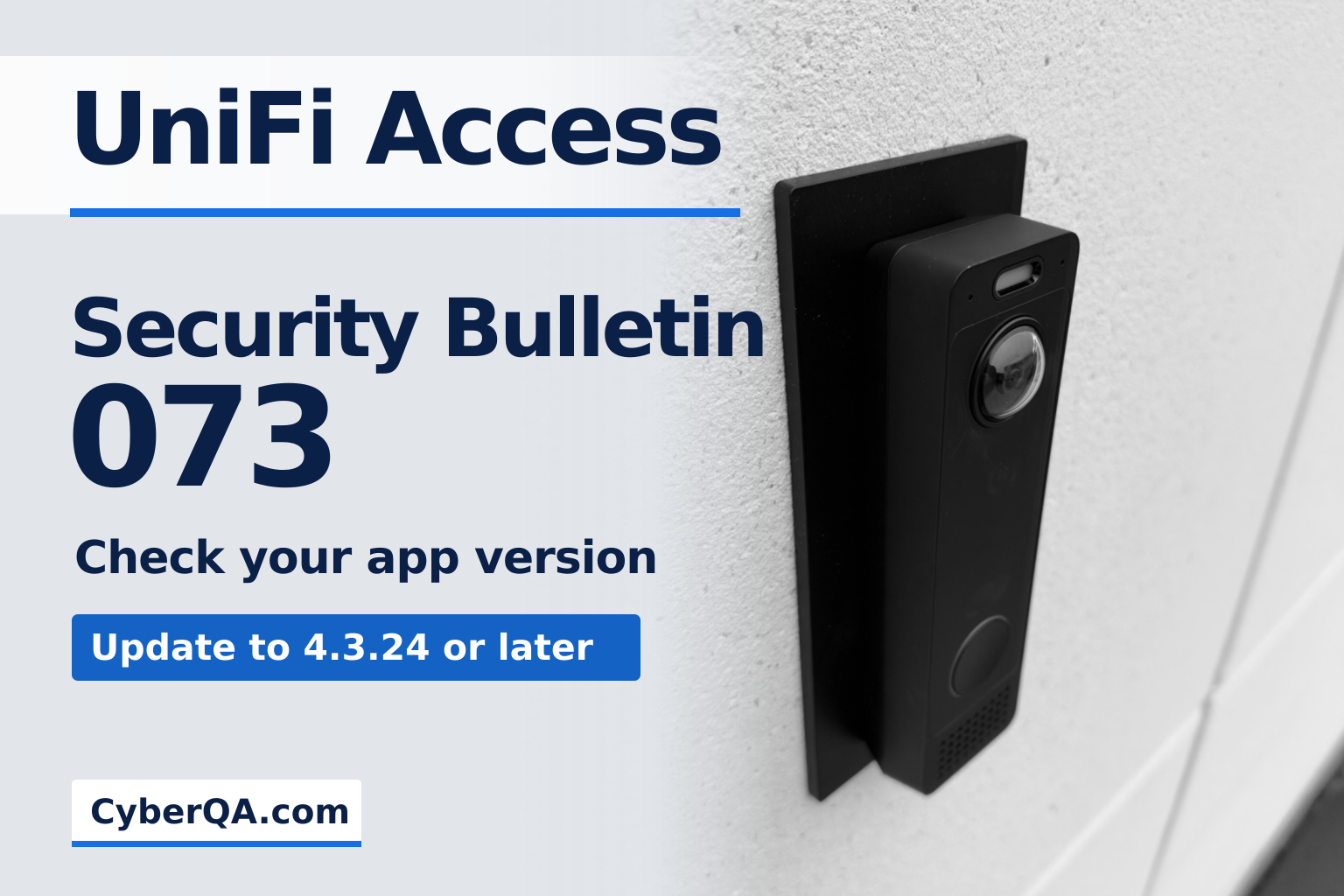
UniFi Access door reader. Security Bulletin 073: check your app version and update to 4.3.24 or later.

UniFi Access Security Bulletin 073: Check your app version

Details
Created: 20 November 2026
Hits: 575
  • UniFi
  • UniFi Security Updates
  • UniFi Access

Ubiquiti’s November 18 security advisory identifies seven vulnerabilities in UniFi Access 4.3.22 and earlier. Five are rated critical. If you manage a UniFi Access site, check the application version on its console. Ubiquiti recommends updating affected sites to 4.3.24 or later. The fix was already available before the bulletin.

Read more: UniFi Access Security Bulletin 073: Check your app version
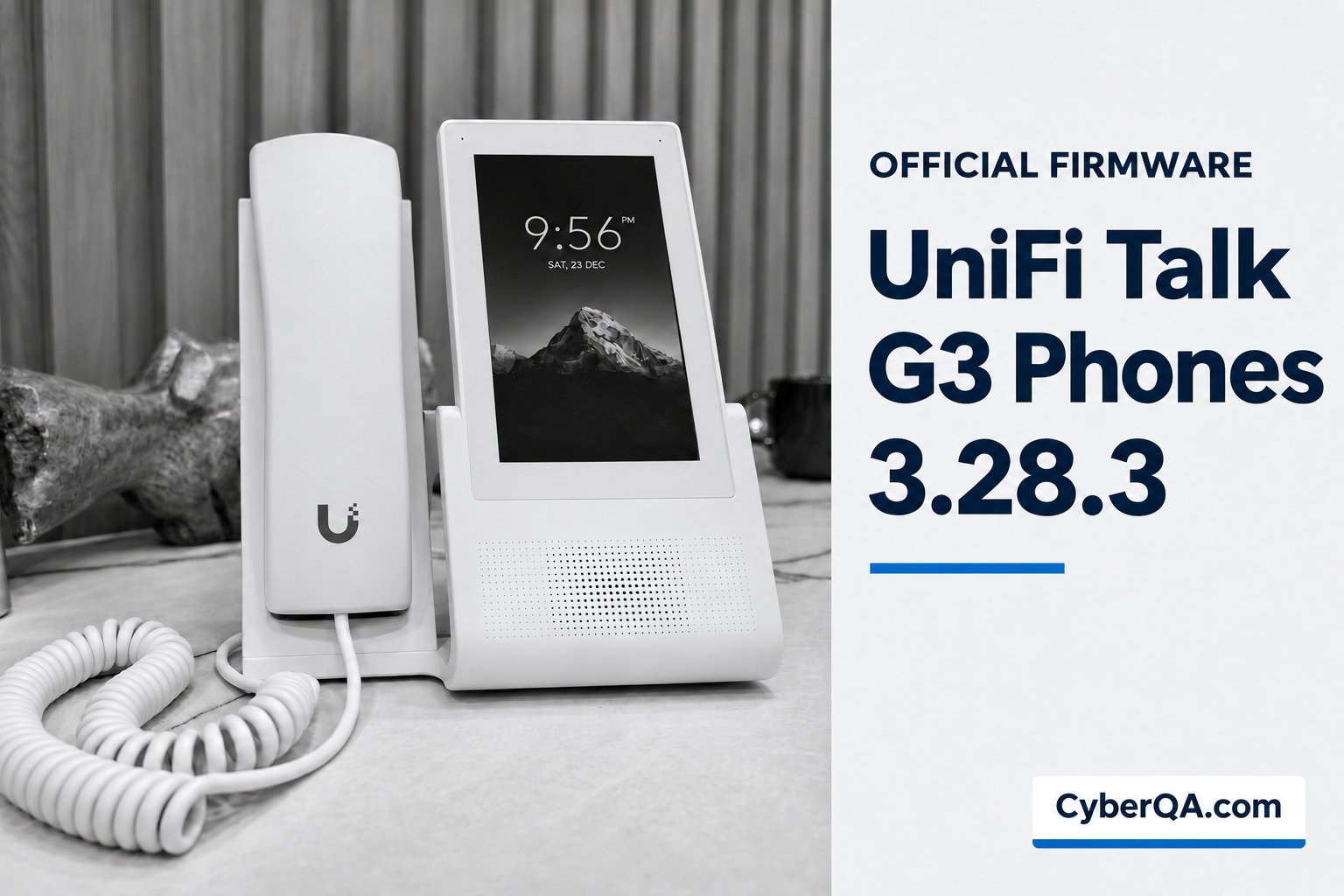
Black-and-white UniFi Talk desk phone beside the G3 phone firmware 3.28.3 headline
Illustrative image

Moving your UniFi Talk console? Test one G3 phone first

Details
Created: 18 November 2026
Hits: 188
  • UniFi
  • UniFi Talk

If you’re moving a UniFi Talk console to a new subnet, check that your desk phones can find it again before you call the job done. Ubiquiti’s Official G3 phone firmware 3.28.3 supports automatic reconnection after the move when the console runs UniFi Talk 5.4.5 or newer. Give one phone a test run before you move the rest.

Read more: Moving your UniFi Talk console? Test one G3 phone first
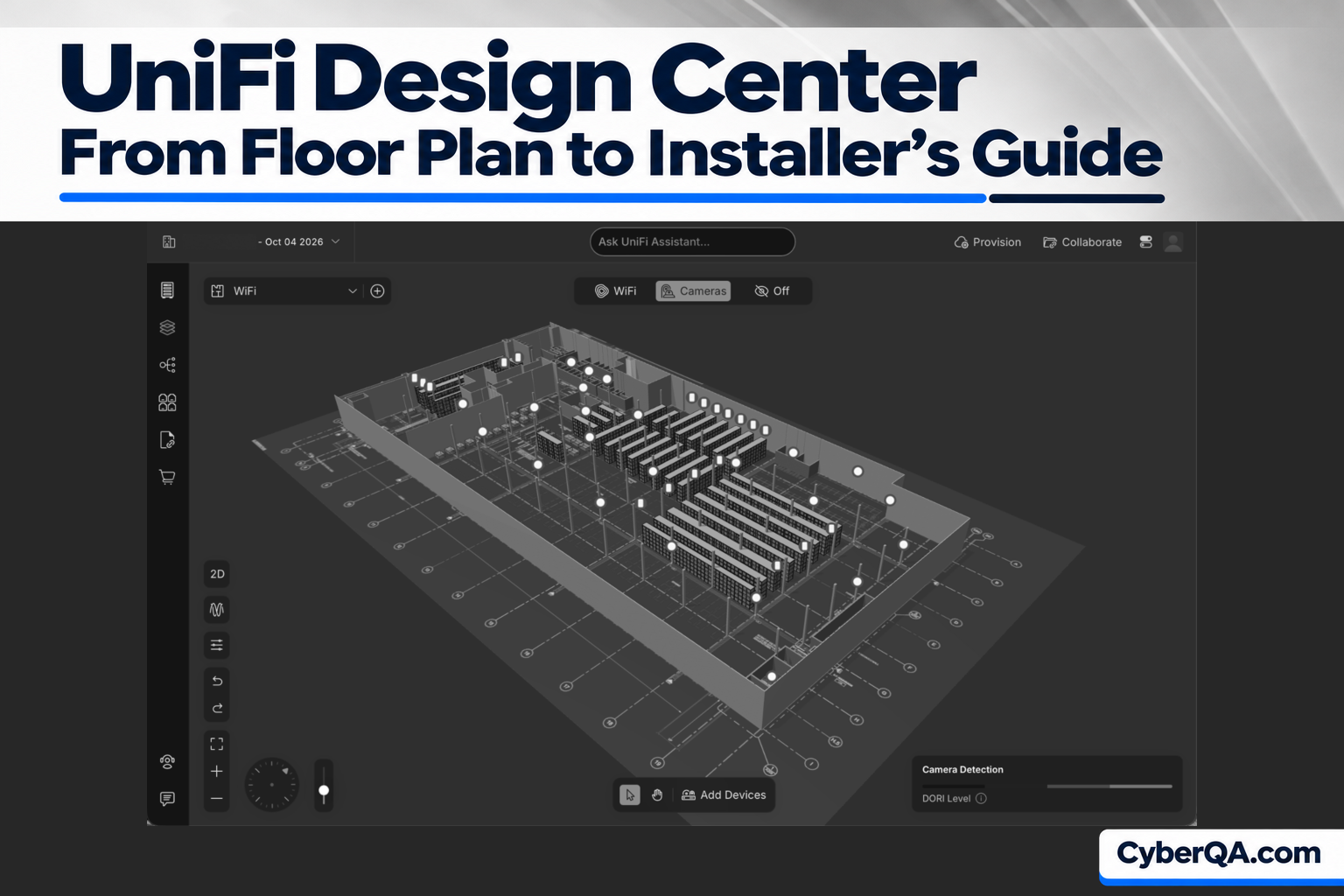
Black-and-white UniFi Design Center floor plan with device placement markers

UniFi Design Center: Turn your floor plan into an installer’s guide

Details
Created: 17 November 2026
Hits: 369

Ubiquiti’s November 16 Official update adds installation pages for individual devices. An installer can see where a device goes, how it should be mounted, and which switch port it connects to. The guide also shows estimated cable length and planned PoE. Crews can open it on a phone or print it.

Read more: UniFi Design Center: Turn your floor plan into an installer’s guide
Black-and-white UniFi access point beside the firmware 8.8.14 headline, Official for 10 models

UniFi AP firmware 8.8.14: Which models are Official and what to test

Details
Created: 15 November 2026
Hits: 572
  • UniFi
  • UniFi Network

On November 12, Ubiquiti promoted firmware 8.8.14 to Official for ten access point and wireless bridge models. The release thread still says Release Candidate, so check the exact model and the channel offered in UniFi Network before planning an update.

Read more: UniFi AP firmware 8.8.14: Which models are Official and what to test

  1. UniFi Talk 5.4.8 fixes delayed incoming calls after configuration changes
  2. UniFi NAS 6.0.18 is now Official: What to check before updating
  3. UniFi Identity 1.8.10: Important fixes for staff access

Page 1 of 15

  • 1
  • 2
  • 3
  • 4
  • 5
  • 6
  • 7
  • 8
  • 9
  • 10

CyberQA Inc.

  • Hours: 9am to 6pm EST
    Monday to Friday (excluding holidays)
    Tel: 844•544•3370
    This email address is being protected from spambots. You need JavaScript enabled to view it.
  • Remote Support
  • On-Site Support
  • Hire Us
  • Google Reviews

Memberships

  • Member of Canadian Security Association (CANASA)
  • Authorized Alarm.com Dealer
  • Authorized Connect2Go Dealer

Certificates

  • Cybersecurity Certificate (CC)
  • UniFi Network Specialist (UNS)
  • Ubiquiti Enterprise Wireless Admin (UEWA)
  • Ubiquiti Broadband Wireless Admin (UBWA)

Follow Us

  • Google Page
  • Instagram
  • Threads
  • Facebook
  • X-Twitter
  • TikTok
  • Discord
  • LinkedIn

Resources

  • Ubiquiti UniFi®
  • Ubiquiti Help
  • UI Community
  • WiFiman Desktop
  • Ubiquiti Academy
  • Ubiquiti RMA
  • HostiFi
  • Alarm.com®
  • Qolsys
  • DSC
  • VoIP.ms
  • twilio
  • Synology®
  • SONOS®
  • LUTRON®
  • Control4
  • HOOBS
  • CDVI
  • Apple® iCloud
  • Google Home™
  • Amazon Alexa™
  • TeamViewer
  • Google Search Console
  • Google Analytics 4
  • CLOUDFLARE
  • Quad9 DNS
  • 1.1.1.1
  • Fing 
  • Auvik 
  • MSP360 
  • VMware
  • Dynu (DDNS) 
  • NsLookup.io 
  • WireGuard 
  • OpenVPN 
  • KnowBe4
  • PassWallet

Online Tools

  • UI Design Center
  • UI Capacity Calculator
  • UISP Design Center
  • AP Antenna Patterns
  • Hamina 
  • Find Synology® NAS 
  • Synology® RAID Calculator
  • ipaddress.my
  • Elfsight
  • Pingdom
  • IONOS

Log-in

  • UniFi® Dashboard
  • UniFi® Account
  • TP-Link Omada
  • HostiFi
  • Apple Business Manager
  • JumpCloud
  • VoIP.ms
  • Alarm.com® Customer Page
  • Connect2Go Customer Page
  • Synology® QuickConnect
  • VoIP.ms Clients Access
  • Twilio Client Access
  • SONOS® Account
  • LUTRON® Account
  • LUTRON® Device
  • Apple® iCloud
  • Google Home™
  • HOOBS™
  • Amazon Alexa™
  • Bluehost
  • Dynu (DDNS) Account
  • CLOUDFLARE
© 2016 - 2026 CyberQA
Hire an Expert