
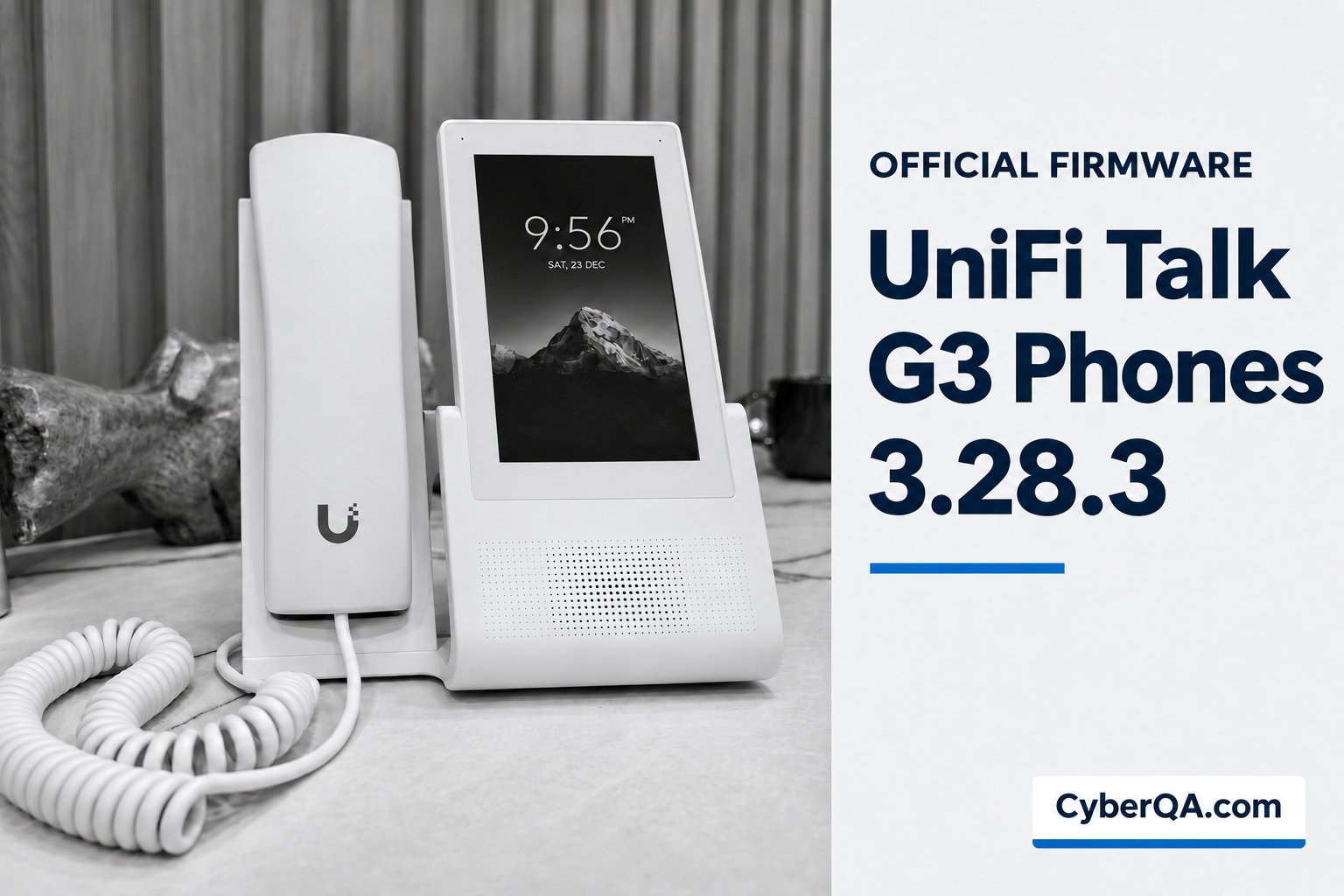
If you’re moving a UniFi Talk console to a new subnet, check that your desk phones can find it again before you call the job done. Ubiquiti’s Official G3 phone firmware 3.28.3 supports automatic reconnection after the move when the console runs UniFi Talk 5.4.5 or newer. Give one phone a test run before you move the rest.
Update one phone first
Open your site in UniFi Site Manager, then open Talk. Check the Talk app version and install 3.28.3 on one G3 phone in a maintenance window if it’s offered on the Official channel. This is an update for the phone itself, separate from the Talk 5.4.8 app update.
Before the subnet change, check that the phone’s network will still be able to reach the console. After the move, confirm the phone comes back online in Talk, then call in from a mobile phone and make an outbound call. Listen for audio both ways and try a transfer. If reception uses multiple lines, test those too.
The firmware also addresses call audio, transfers and multi-line handling, and adds support for video calls from UniFi Access in Talk PBX mode. If your desk phone answers a door intercom in that setup, place a call from the door and check that the video comes through. If the pilot phone doesn’t reconnect, stop there and check reachability before changing anything else.
CyberQA hasn’t independently tested this release.