
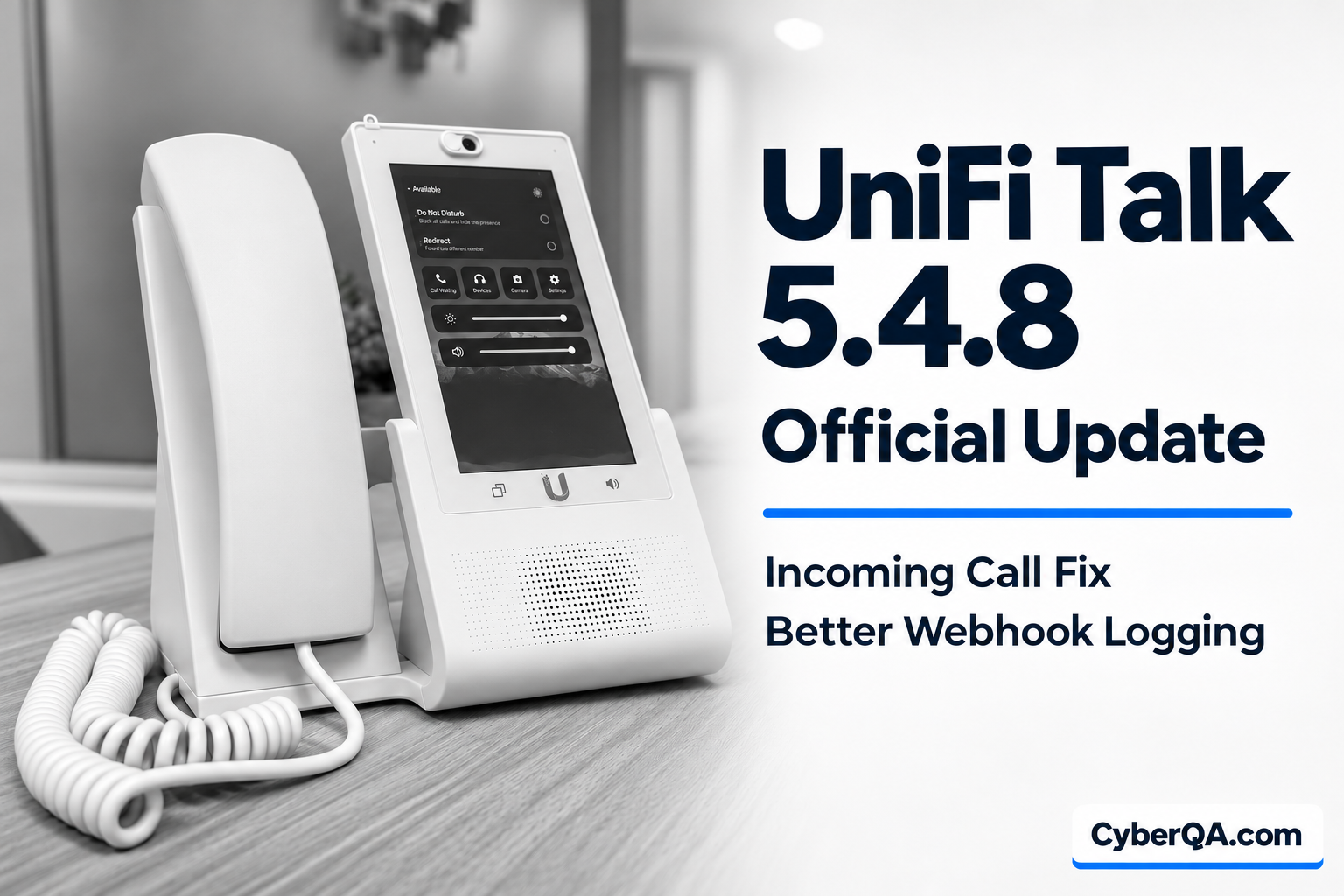
Ubiquiti released UniFi Talk Application 5.4.8 to the Official channel on November 14. It fixes an issue that could make an incoming call take up to 25 seconds to connect after a configuration change. It also fixes the People filter used in Call Queues and Smart Attendant, and makes webhook failures easier to diagnose in the system log.
Who should check it: Businesses that use UniFi Talk for a main line, call queues, or an automated greeting. The release notes describe the delay after a configuration change. They don’t identify a general issue with carriers or SIP call quality.
What to verify: Open UniFi Site Manager and go to Update Manager. You can also open Settings → Control Plane → Updates on the console. Update Talk only if 5.4.8 is offered on the Official channel for your console. In a maintenance window, call the main number from an outside line and test the routes you use, including the attendant menu and queue. If you rely on webhooks, confirm a test event arrives and check the system log if it doesn’t.
CyberQA has not independently tested this release.