
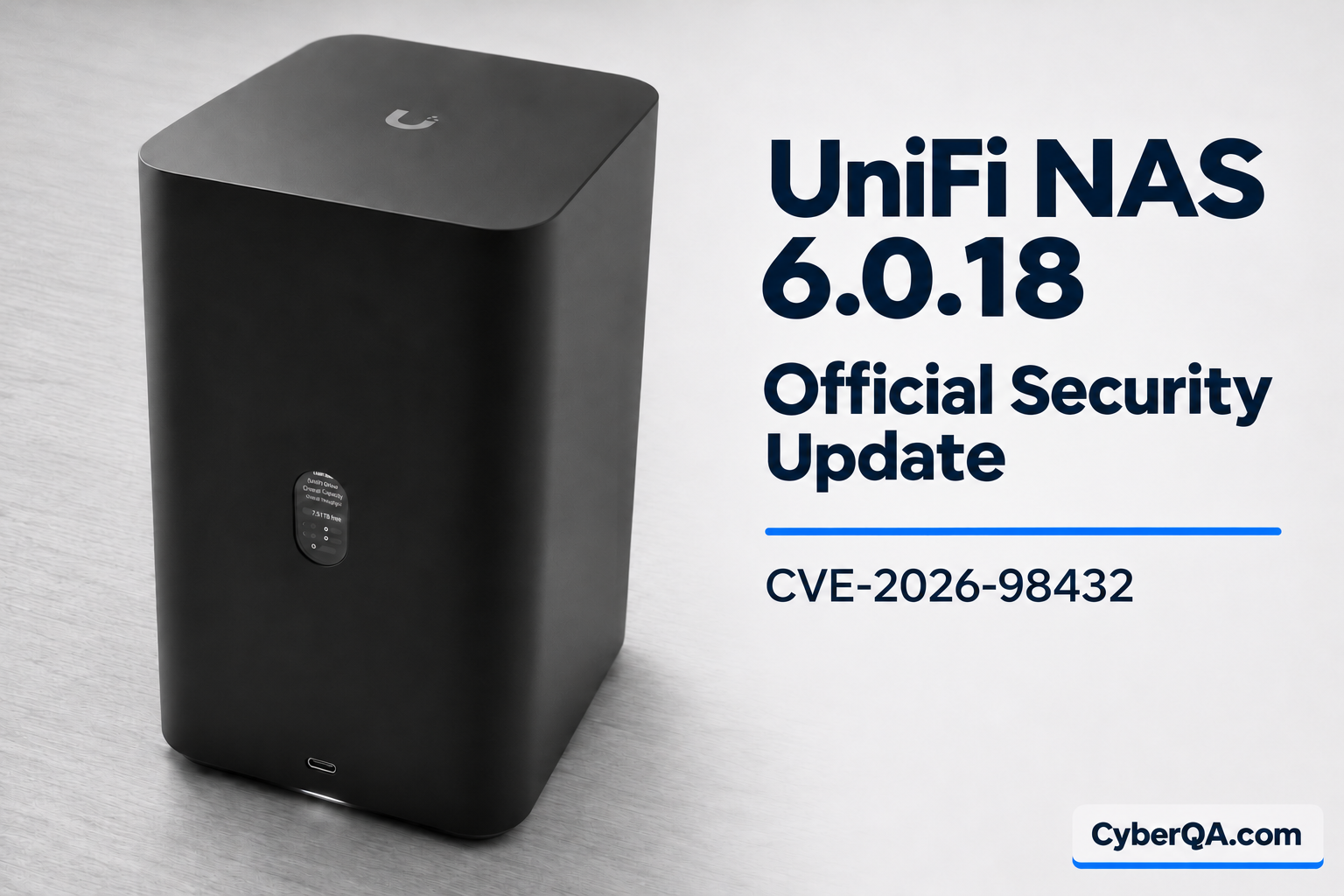
Ubiquiti published UniFi OS 6.0.18 for its Network Attached Storage and Enterprise Network Attached Storage lines on November 10 and promoted both releases to Official on November 13. The rollout is staged, so the update may not appear on every console immediately.
Why it matters. Both releases fix CVE-2026-98432, revoke compromised eMudhra certificate authorities, and address compatibility with 4Kn disks. The standard NAS release also fixes a fast RAID rebuild issue that could leave incorrect parity data. The Enterprise NAS release separately addresses boot delays. These are UniFi OS updates for storage consoles, not updates for gateways or Protect recorders. Ubiquiti’s NAS notes identify the fixed release but do not give a complete affected-version range.
What to do. Check the exact console model and installed OS in UniFi Site Manager or locally under Settings → Control Plane → Updates. If the Official update is offered for that console, confirm you can restore a file from an independent backup, then schedule the update during a maintenance window. For multiple systems, update one first. After reboot, verify the network uplink, read and write access to a representative share, storage health, and that scheduled backups resume.
Some users reported link problems after updating standard NAS units. Those reports do not establish how widespread the issue is, but they’re a good reason to have local access for the first update rather than relying entirely on remote management. CyberQA has not independently tested this release.
Sources: Standard NAS release notes · Enterprise NAS release notes · Ubiquiti update guide