
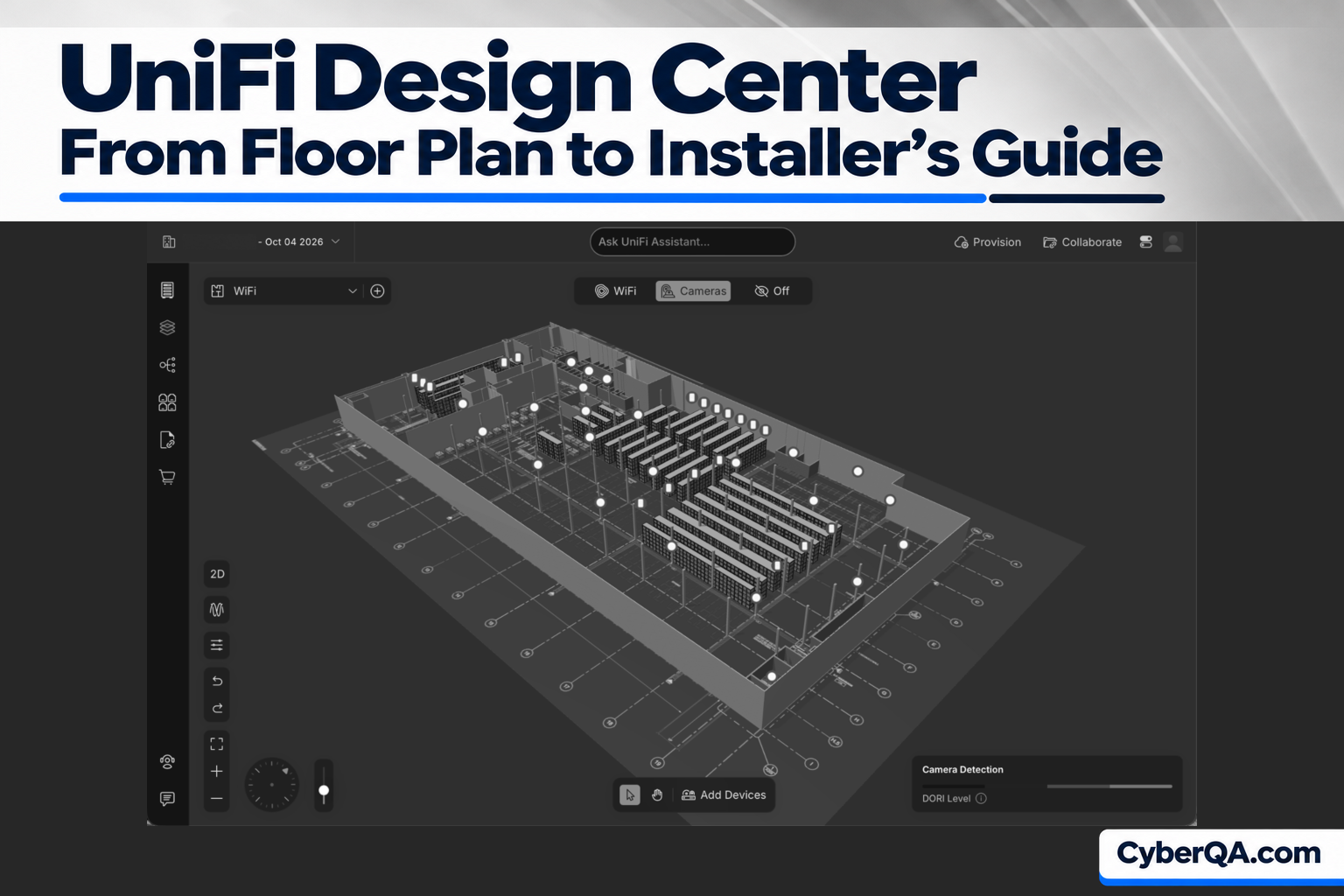
Ubiquiti’s November 16 Official update adds installation pages for individual devices. An installer can see where a device goes, how it should be mounted, and which switch port it connects to. The guide also shows estimated cable length and planned PoE. Crews can open it on a phone or print it.
For a commercial rollout, the practical gain is fewer mismatches between the plan, the box and the rack. Design Center can import an eligible UniFi Store order, add the devices with their MAC addresses, and print matching labels. Imported devices still need to be placed on the plan. Check model, label and port assignments before the equipment goes out to site.
Try it on one floor first. Open UniFi Design Center, review the device installation pages from Share, and have the crew verify a few representative cable runs and mounting positions. Keep the drawing current as hardware moves so the handover reflects what was actually installed. The new object detection is experimental; review its suggestions and validate coverage and cabling on site rather than treating estimates as test results.