
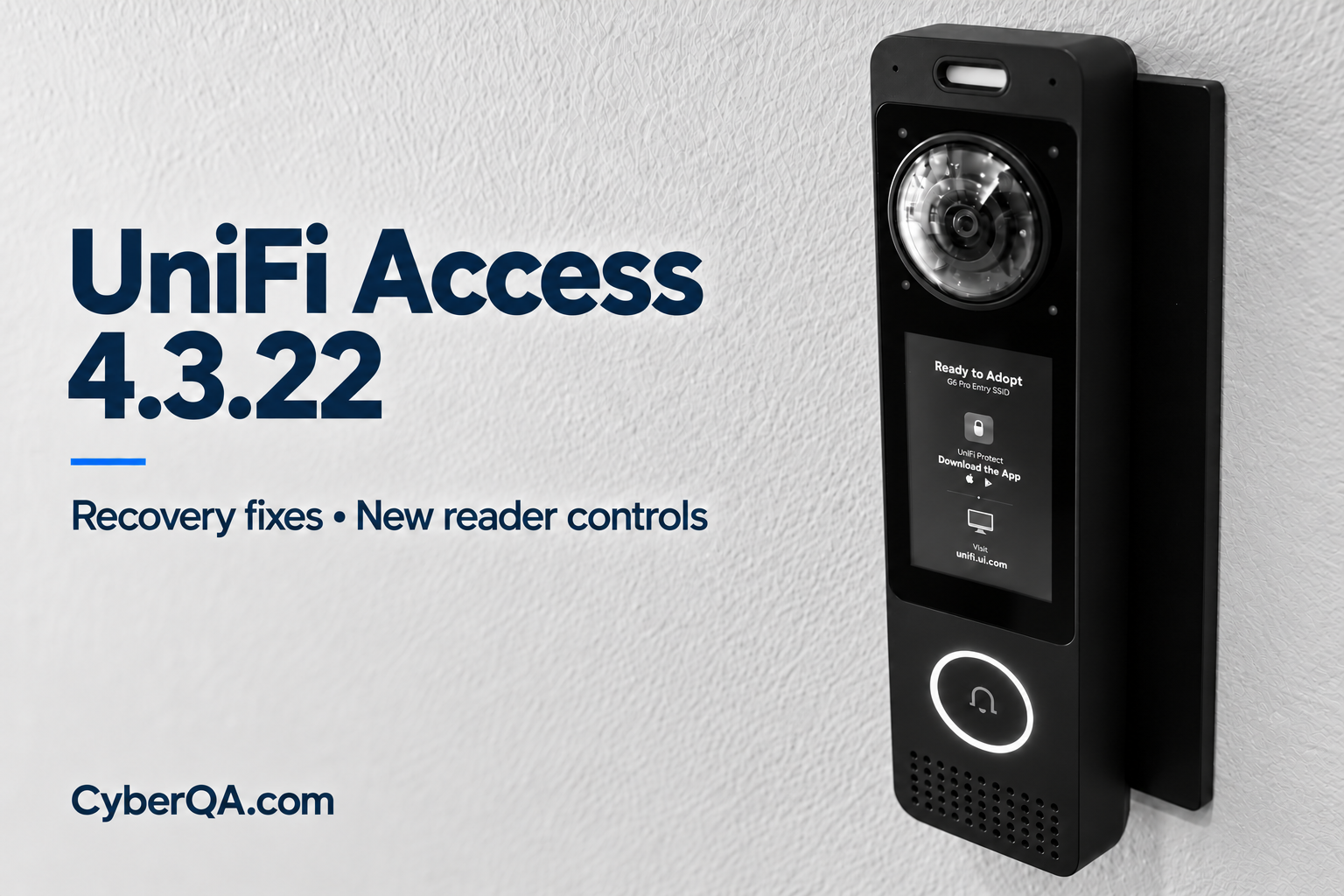
Ubiquiti released UniFi Access 4.3.22 on the Official channel on October 20, 2026. For businesses managing door-access systems, the update brings fixes involving backup recovery, notifications and integrations, alongside new reader controls.
What changed
Ubiquiti reports fixes for:
- Credentials disappearing after restoring a console backup.
- Intermittent Alarm Manager email failures when recipients had different notification preferences.
- Incorrect Unlock Webhooks caused by delayed, cached hub logs.
The release also addresses an Access Revert backup-timing issue and several event-log and video issues.
New reader controls
Interface Designer adds Tap to Call and automatic QR scanning. These features require compatible device firmware:
- Tap to Call: G2 Reader Pro 1.15.9 or G3 Reader Pro 1.15.12.
- Auto Scan QR Code: those reader versions, Intercom 1.12.15 or G3 Intercom 1.12.10.
- Unlock Schedule display on G6 Pro Entry: firmware 5.4.59.
What businesses should check
Before updating, confirm device compatibility, save a current backup and plan an attended maintenance window. Pilot the update before deploying it across multiple sites.
Afterward, test credentials, remote unlocking, email notifications and webhook integrations. Verify event records, video and reader-screen behaviour. Test recovery procedures in a controlled environment, not on a live entrance.
CyberQA’s perspective
Prioritise evaluation where these fixes address an observed problem. An Official release still needs validation against the hardware, integrations and access policies at each site.
This review is based on Ubiquiti’s published release notes, not hands-on testing.